 Engineering
How to Fix Slow Download Speed on Windows
Learn how to fix slow download speed on Windows by using multi-segment downloading, closing background apps, improving connection stability, and using Hamax Downloader for faster large file downloads.
Published 6/4/2026
Slow download speed usually happens because of weak browser downloading, unstable internet, overloaded servers, too many background apps, or limited single-stream connections. The fastest fix is to use a proper download manager like Hamax Downloader, reduce background bandwidth usage, choose multi-segment downloading, and enable reliable Pause and Resume for large files.
How to Fix Slow Download Speed on Windows
Slow download speed can waste time, break large downloads, and force you to restart files from zero. The issue is often not only your internet speed. In many cases, the browser downloads files using a basic single-stream method, which is slower and less reliable for large files.
Hamax Downloader helps solve this by using multi-threaded dynamic segmentation, which can download files up to 5x faster than default browsers.
📌 Key Takeaways
- Use a download manager: Hamax Downloader improves speed with multi-threaded downloading.
- Close background apps: Stop apps that consume bandwidth while downloading.
- Use multi-segments: Choose 4 or 8 segments for faster downloads.
- Pause and Resume safely: Hamax supports reliable Pause and Resume for large files.
- Check the source server: Sometimes the download website itself is slow.
Why Your Download Speed Is Slow
Slow download speed can happen because of:
- Weak or unstable internet connection
- Browser single-stream downloading
- Too many apps using bandwidth
- Slow download server
- VPN or proxy slowdown
- Poor Wi-Fi signal
- Large file download interruptions
Default browser downloads are fine for small files, but they are not always efficient for large files, videos, programs, or archives.
Best Solution: Use Hamax Downloader
Hamax Downloader is a free IDM alternative built for faster and more reliable downloads. It uses multi-threaded dynamic segmentation, which splits a file into multiple parts and downloads them together.
This improves speed because the download does not depend on only one slow connection stream.
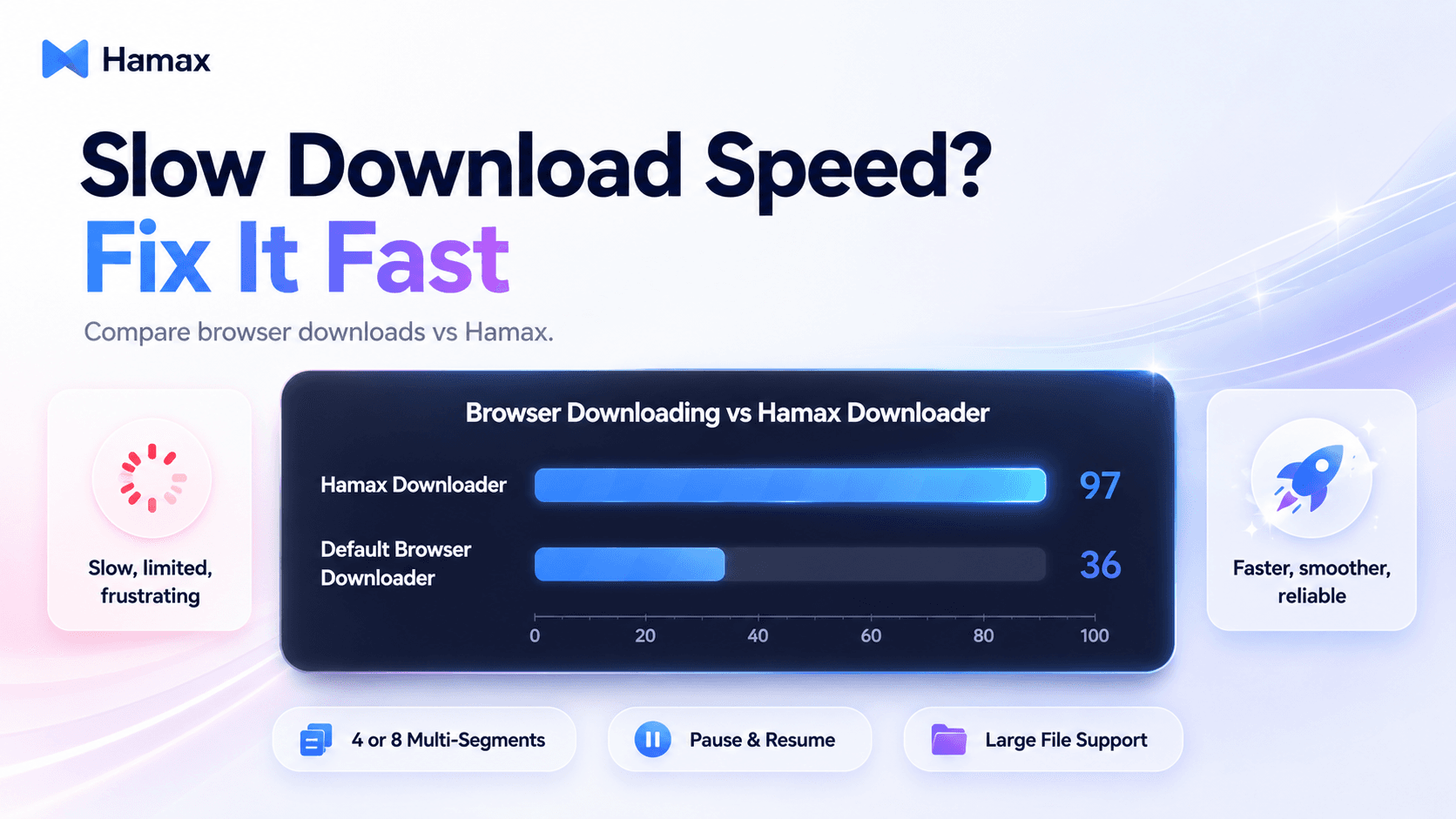
Browser Downloading vs Hamax Downloader
How to Increase Download Speed
1. Use Multi-Segment Downloading
In Hamax Downloader, choose 4 or 8 multi-segments depending on your connection and the server quality.
- Use 4 segments for stable balanced speed.
- Use 8 segments for faster downloading when the server supports it.
2. Close Background Apps
Apps like cloud sync, game launchers, browsers, streaming apps, and updates can reduce download speed. Close them before downloading large files.
3. Avoid Weak Wi-Fi
Use a stronger Wi-Fi signal or connect with Ethernet when downloading large files. Poor Wi-Fi can cause speed drops and failed downloads.
4. Pause and Resume Instead of Restarting
Large downloads can fail because of unstable connections. Hamax Downloader supports reliable Pause and Resume, helping you continue downloads instead of restarting from zero.
5. Use Media Sniffer for Video Downloads
If you are downloading video or audio, Hamax includes a professional Media Sniffer that automatically catches media streams from supported pages.
Hamax Downloader Features That Fix Slow Downloads
| Feature | Hamax | Default Browser |
|---|---|---|
| Multi-threaded downloading | 97 | |
| Large file reliability | 95 | |
| Pause and Resume | 100 | |
| Video download detection | 92 | |
| Torrent and Magnet support | 96 | |
| Free access | 100 |
Why Hamax Is Better Than Browser Downloads
Hamax Downloader gives you more control than default browser downloading. You get faster segmented downloads, browser extension support for Chrome, Edge, and Firefox, built-in Torrent and Magnet support, automatic media detection, and stable large file handling.
Official website: hamax.app
🎯 Professional Advice: For slow downloads, start with 4 segments. If the speed is still low and the server is strong, switch to 8 segments.
Final Answer
To fix slow download speed, use Hamax Downloader, enable multi-segment downloading, close background apps, improve your internet connection, and avoid relying on basic browser downloads for large files. Hamax gives you faster speed, better control, and reliable Pause and Resume for modern desktop downloading.
❓ Frequently Asked Questions
Why is my download speed so slow?
Your download speed may be slow because of browser limits, weak internet, background apps, poor Wi-Fi, VPN slowdown, or a slow download server.
How can I increase download speed on Windows?
Use a download manager like Hamax Downloader, close background apps, use stable internet, and choose multi-segment downloading.
Is Hamax Downloader faster than browser downloads?
Yes. Hamax Downloader uses multi-threaded dynamic segmentation, which can be much faster than default single-stream browser downloads.
What segment number should I use?
Use 4 segments for balanced performance and 8 segments for faster downloads when the server supports it.
Where can I download Hamax Downloader?
You can download Hamax Downloader from the official website: hamax.app